The Library and export
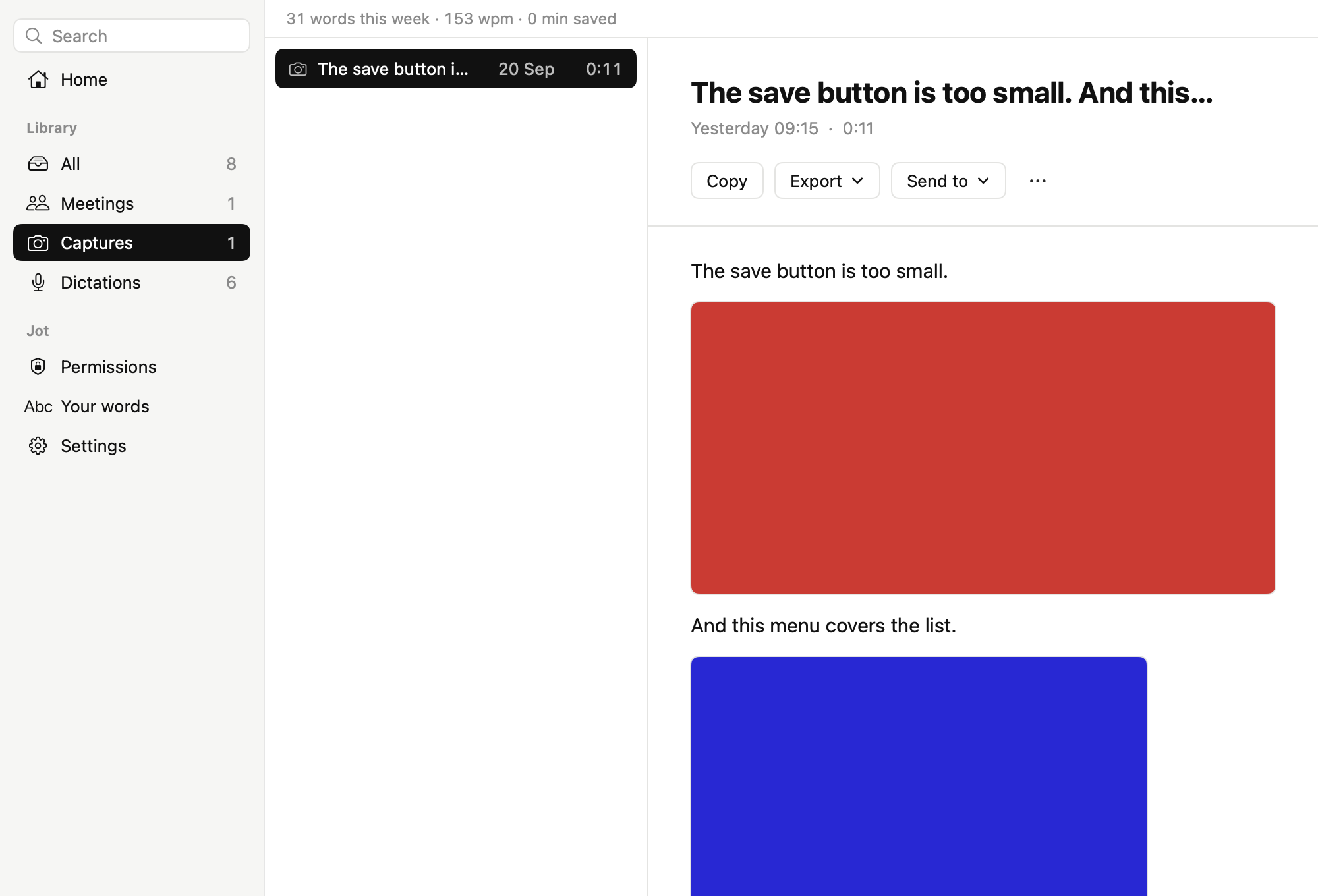
To see everything you’ve recorded, open Jot from the menu bar. Home shows your newest meetings, captures, and dictations, and how much you’ve dictated. Click a kind in the sidebar to see all of it, or use the search field to find a recording by its words.
Use a recording
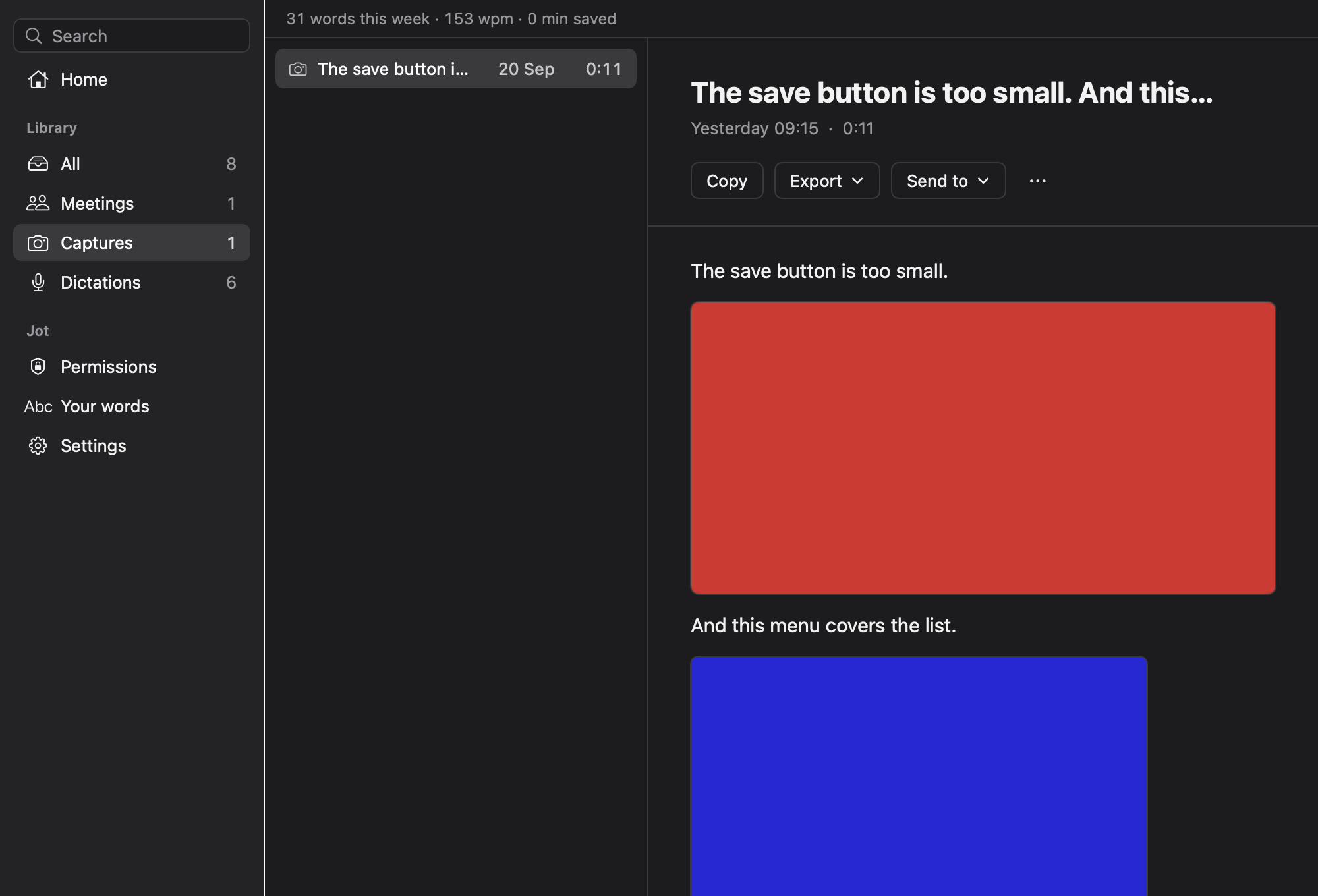
- Copy copies the words and the screenshots, ready to paste.
- Export saves the recording as a file: Markdown, a Word document with the screenshots, a PDF to print or send, or a ZIP archive of the Markdown and the screenshots. Its first option, Copy as Markdown, copies the recording as Markdown text instead.
- Send to pastes the recording into an open app, such as your AI chat.
Click ⋯ to choose Show in Finder or Move to Bin.
Where your recordings are
Each recording is a folder in Documents › Jot, in Meetings, Captures, or Dictations. You can choose another folder in Settings, and you can have Jot delete dictations after 7, 30, or 90 days.